Guide
How to launch
your token.
Start to finish in about ten minutes, with your friends buying in the same block as you. No account, no code, and we never see your keys. Here's every screen you'll see.
- ~10 min
- Start to finish
- 0.1 SOL
- Launch fee
- No account
- Just your wallet
What you need first
Three things. If you already have a Solana wallet with some SOL in it, you're ready.
A Solana wallet
An app that holds your coins and signs for you. Phantom and Solflare are the usual choices. Install it, write the recovery phrase on paper, and never type that phrase anywhere else.
Some SOL
SOL is the coin Solana runs on. Budget the 0.1 SOL launch fee, whatever you want to spend on the first buy of your own token, and a little extra for Solana's network costs.
Your token's idea
A name, a short ticker like $TM, one line about what it is, and a square image. Have the picture ready before you start.
Launching with friends? Ask each of them for their wallet address, the long string of letters and numbers their wallet shows. You'll paste them in later.
- Step 1
Connect your wallet
Open the launch app and press Connect wallet. Your wallet asks you to approve the connection. That only lets the site see your address. It can't move anything.
Once connected, your address shows in the top corner, with Disconnect right beside it.
- Step 2
Describe your token
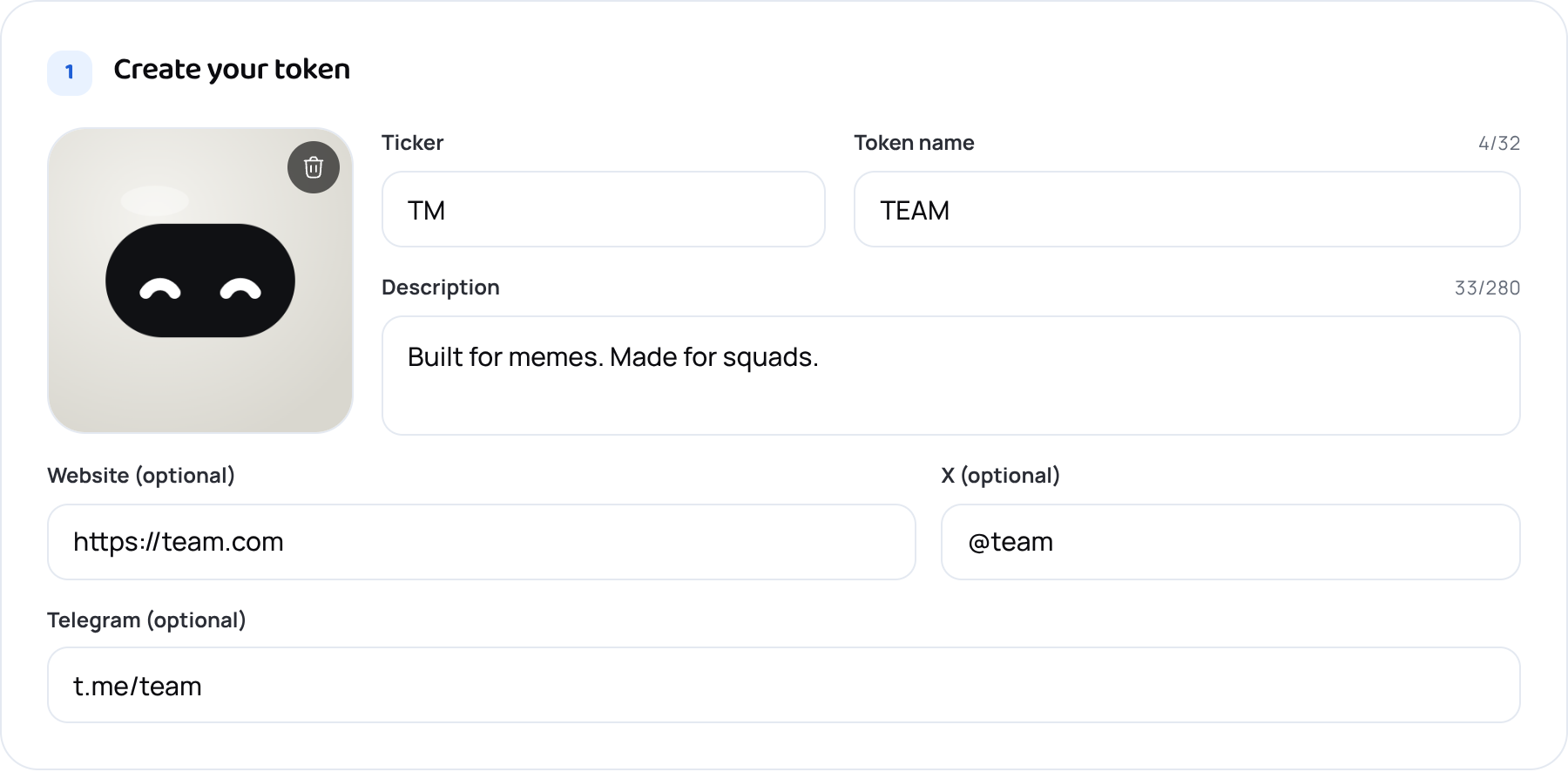
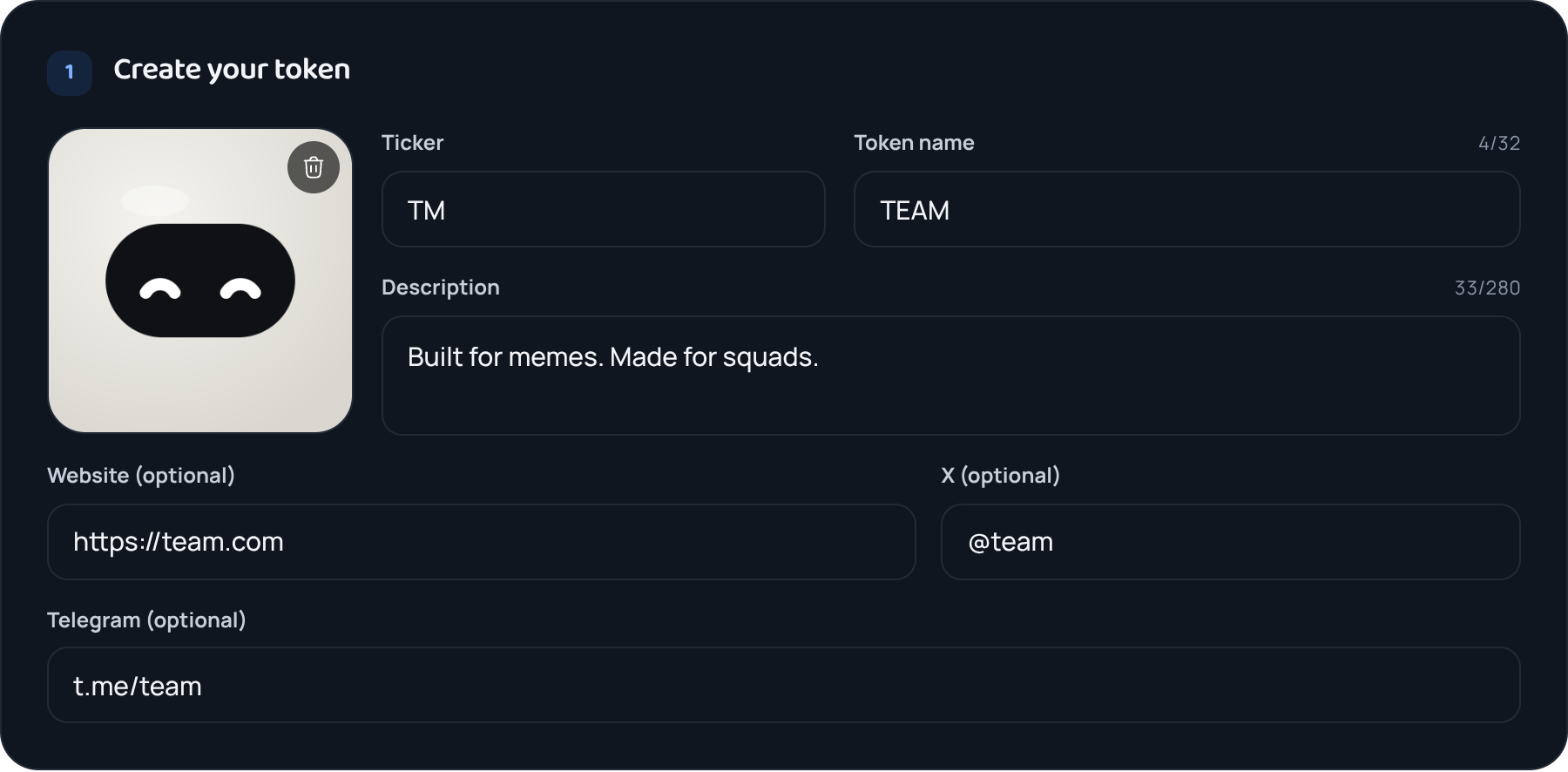
Start with a square image. Click the big tile or drop a picture on it. Next to it go the ticker (the short name traders use, like $TM) and the full name. Add one line about the token.
Website, X and Telegram are optional, but a token with no links looks abandoned.
- Step 3
Choose your contract address
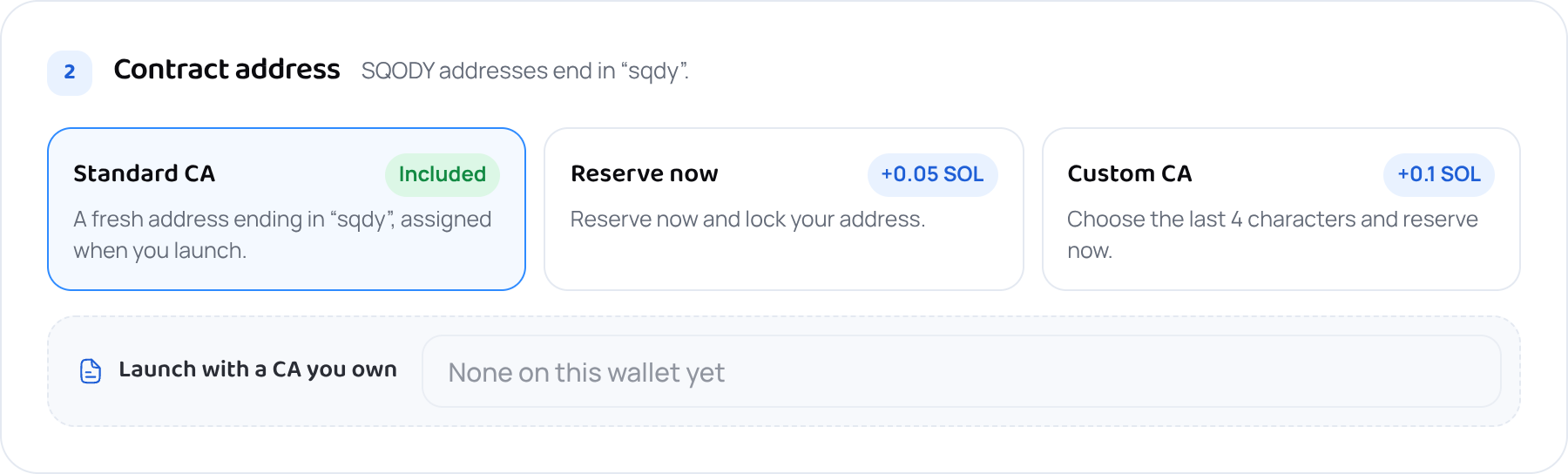
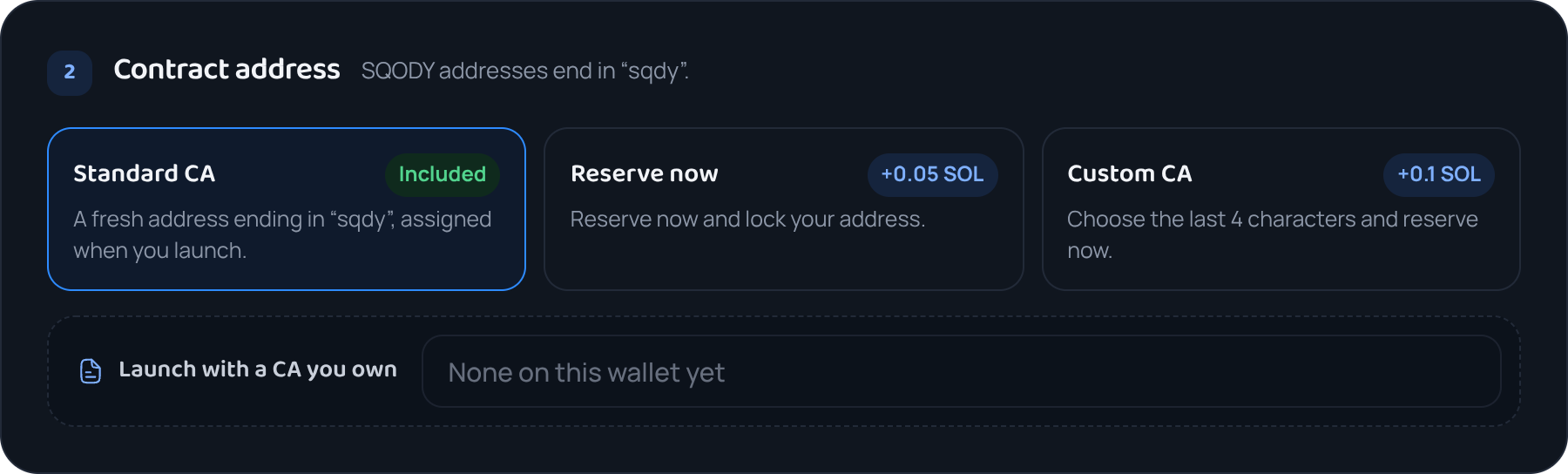
The contract address (CA) is your token's permanent ID on Solana, the long string people paste to find it. Every SQODY address ends in sqdy, so your token carries the squad's mark wherever it's listed.
Reserve a CA for 0.05 SOL to use it in posts and graphics before launch. For 0.1 SOL, choose its last 4 characters; it's ready in a few minutes. A CA you already hold is under Launch with a CA you own.
- Step 4
Add your squad
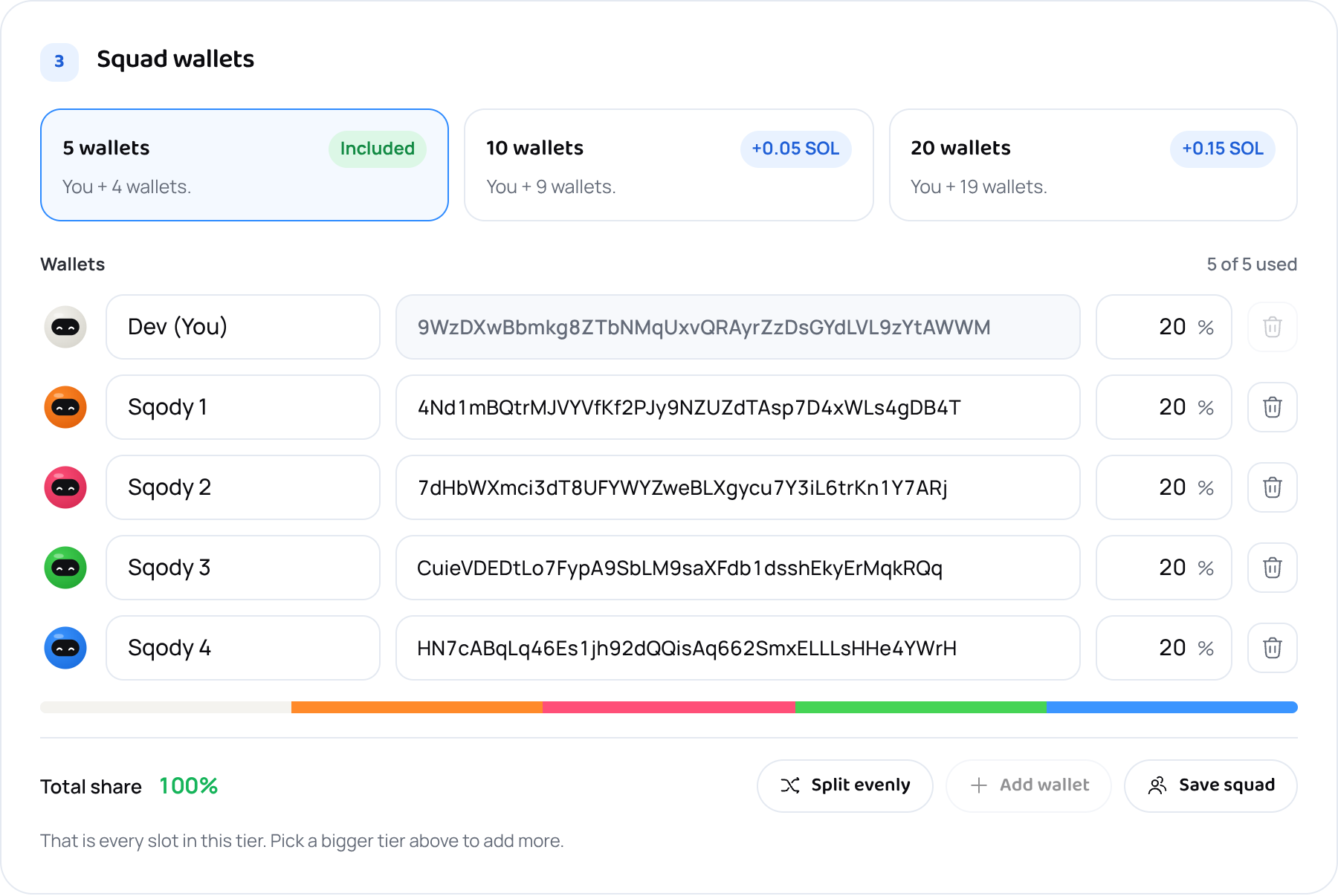
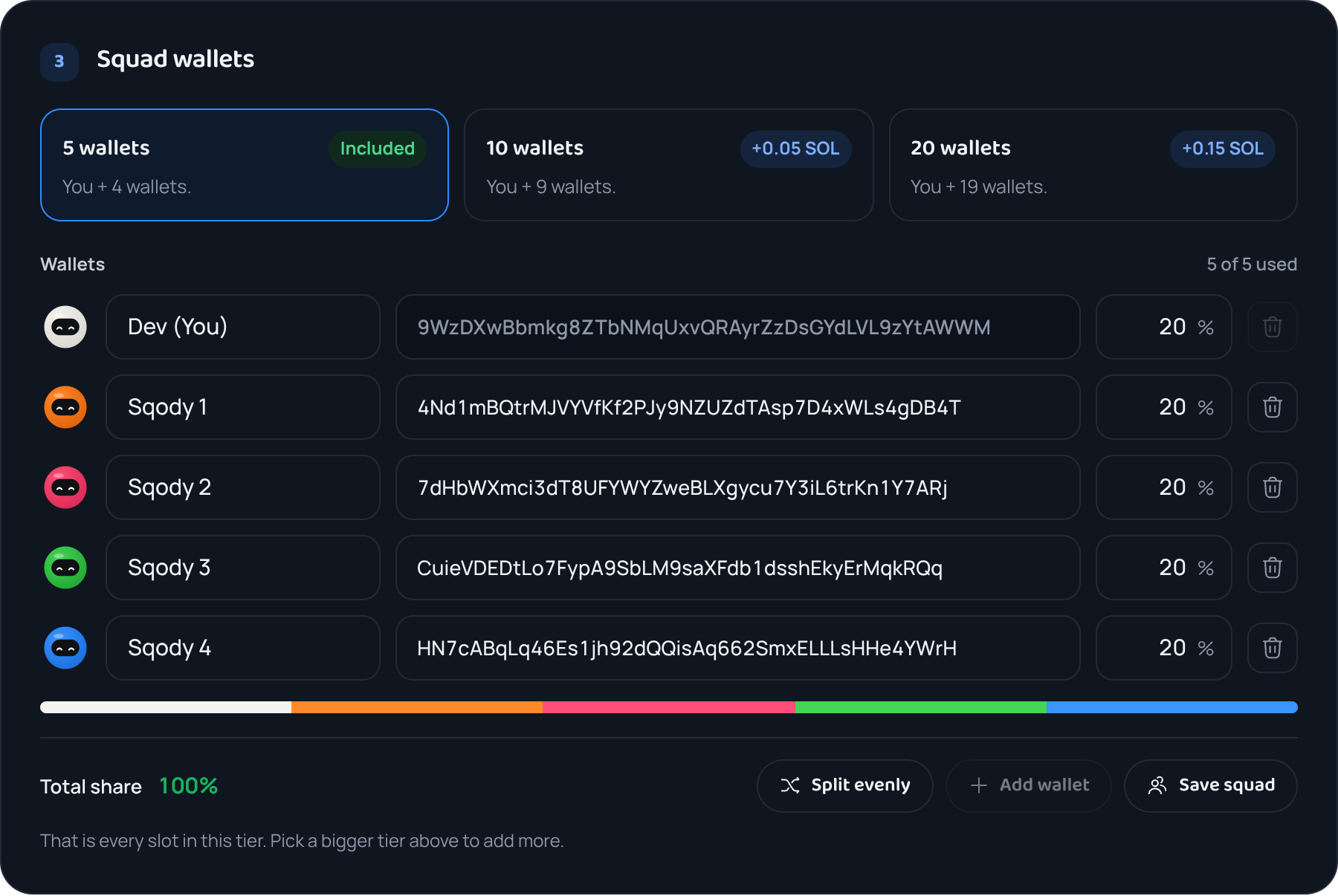
Your own wallet is the first row. Paste your friends' addresses underneath and give each one a share of the first buy. Split evenly divides it equally, or type over any number to change it. The bar shows the split at a glance, and the total has to reach 100%.
5 wallets come with the launch. 10 cost 0.05 SOL more, 20 cost 0.15 SOL more. Save the crew as a squad and the whole list comes back next time.
- Step 5
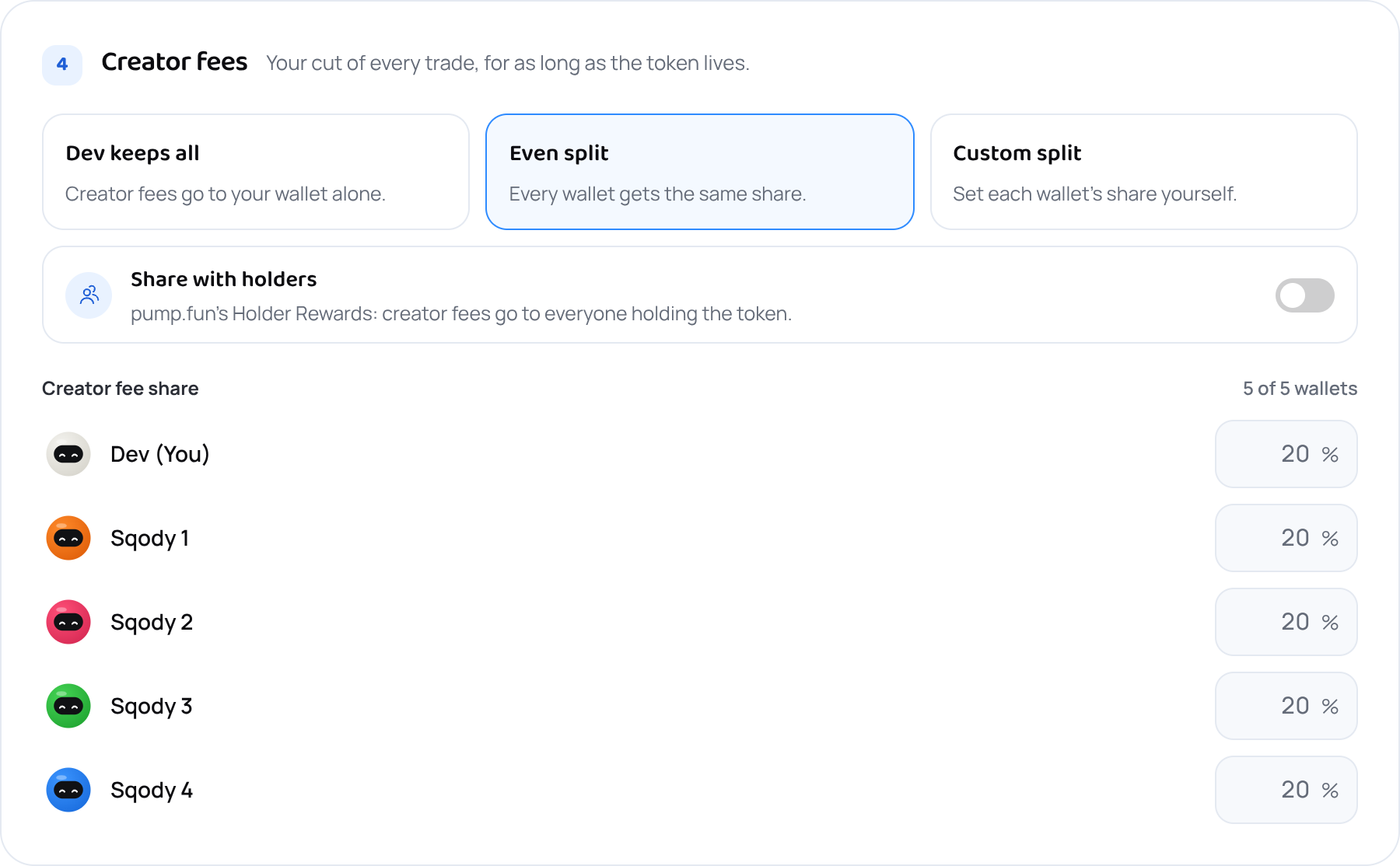
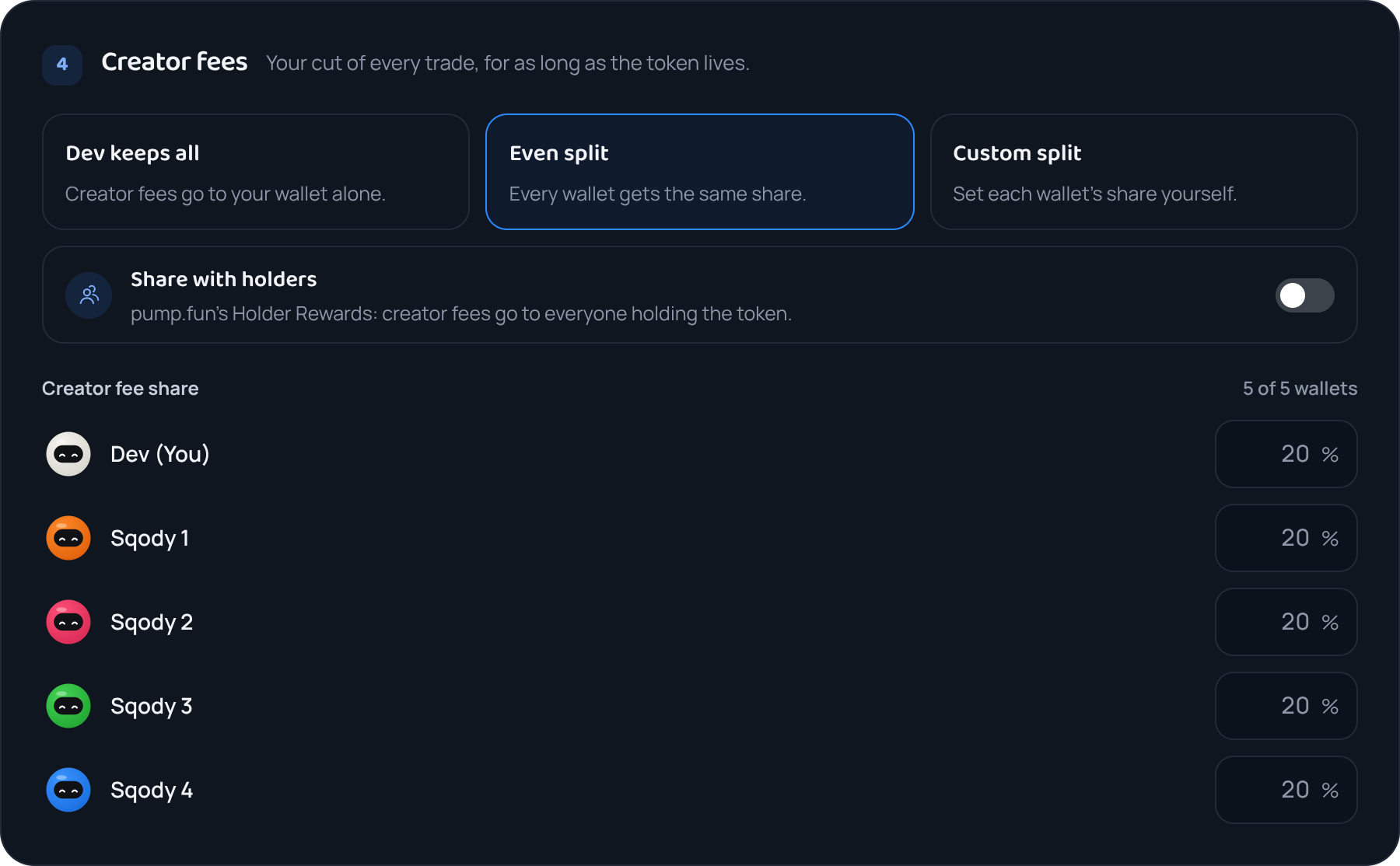
Decide who gets the creator fees
pump.fun pays a slice of every trade in the token, for as long as it trades. Keep it all, split it evenly with the squad, set each share by hand, or share it with everyone holding the token. SQODY takes none of it.
pump.fun pays creator fees to at most ten wallets; with a bigger squad, the form shows which ten are included. Sharing with holders uses pump.fun's Holder Rewards and is permanent.
- Step 6
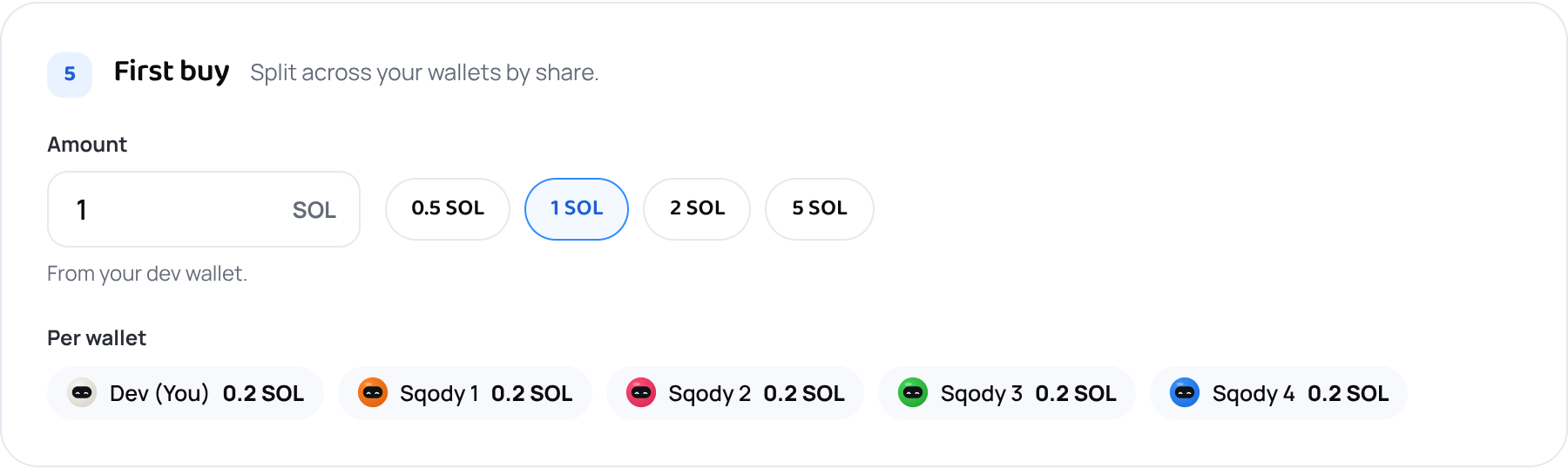
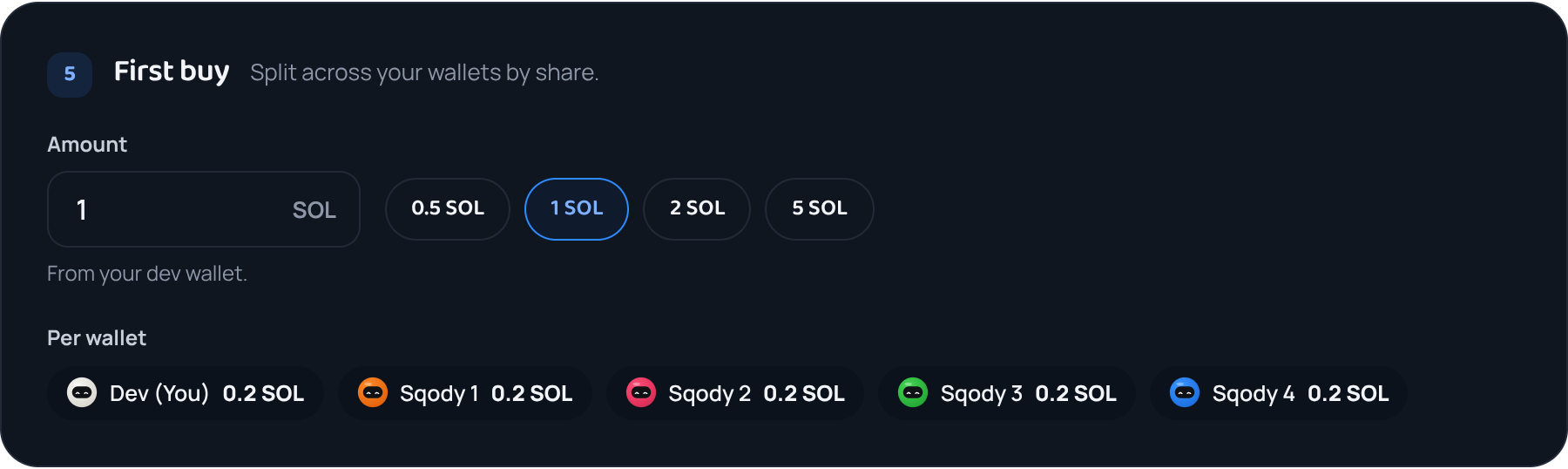
Set your first buy
This is how much SOL goes into your token the moment it's created, split across the squad by the shares you just set. You can see exactly what each wallet receives before anything is signed.
Buying your own token first is normal. You get in at the lowest price, and it shows you believe in it.
- Step 7
Check what it costs
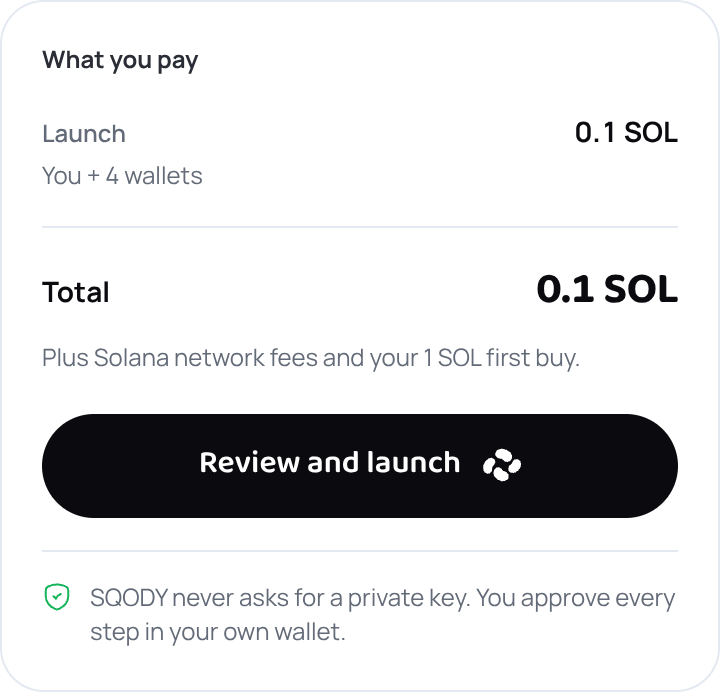
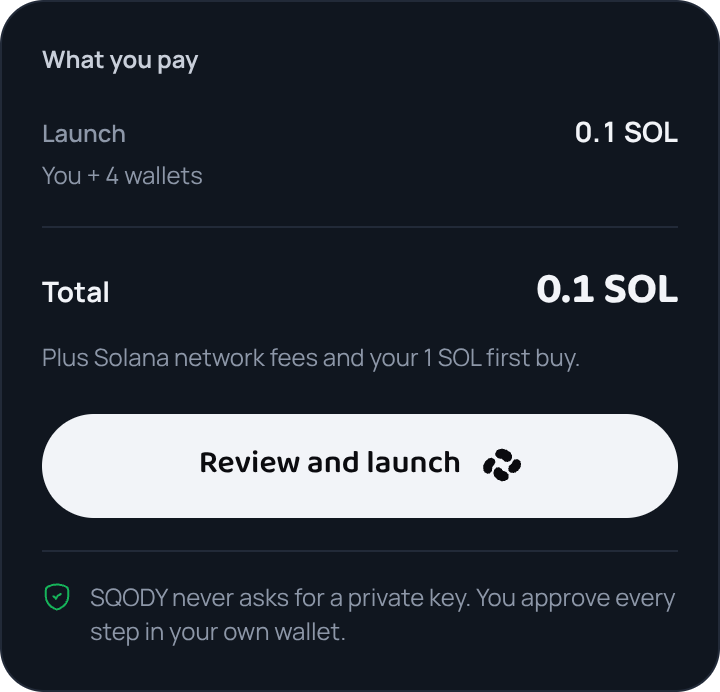
The What you pay panel adds up everything leaving your wallet: the launch fee, any extras you picked, and your first buy listed separately. If anything is still missing, it tells you what before you can continue.
Nothing is charged until you sign in the next step.
- Step 8
Review, then approve
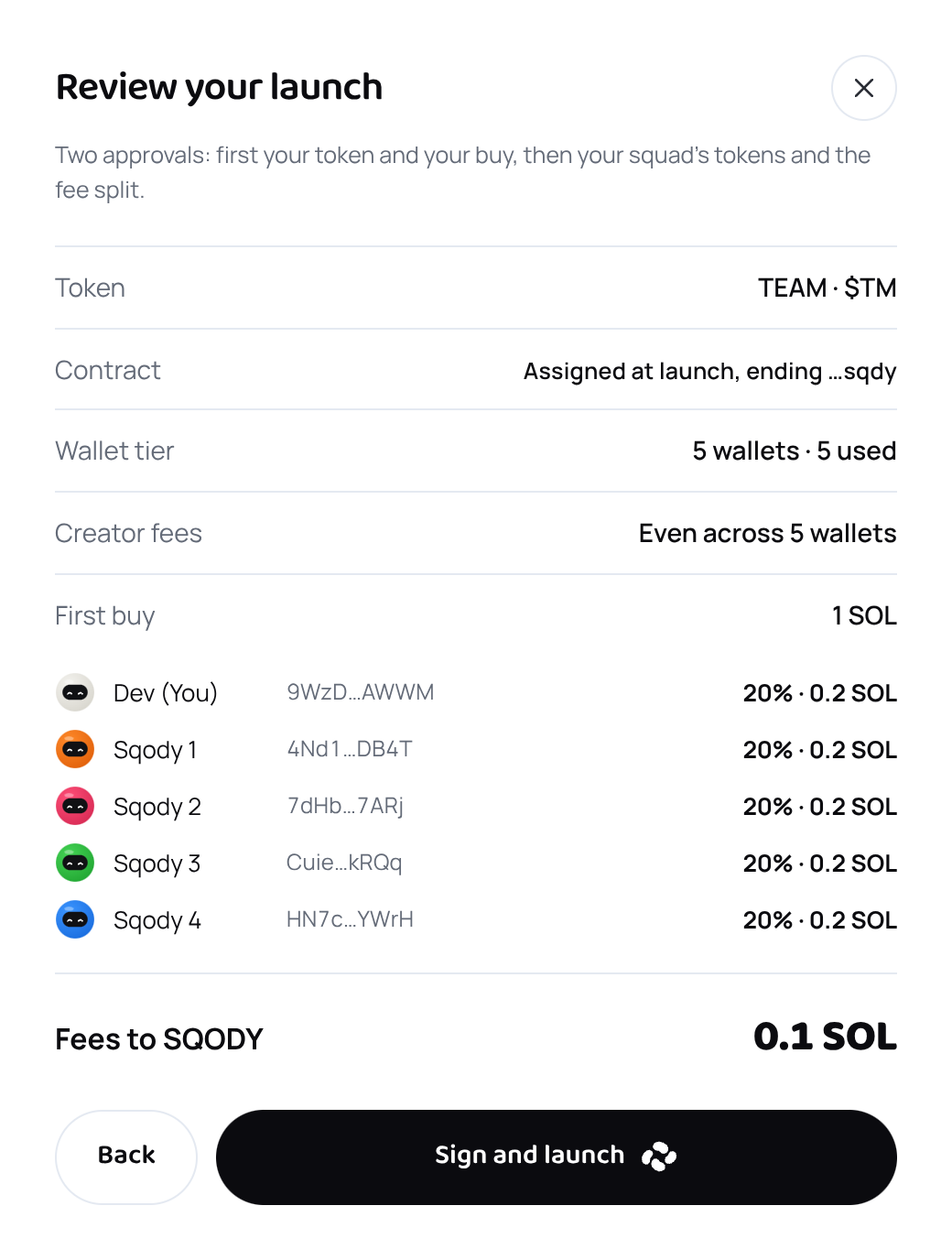
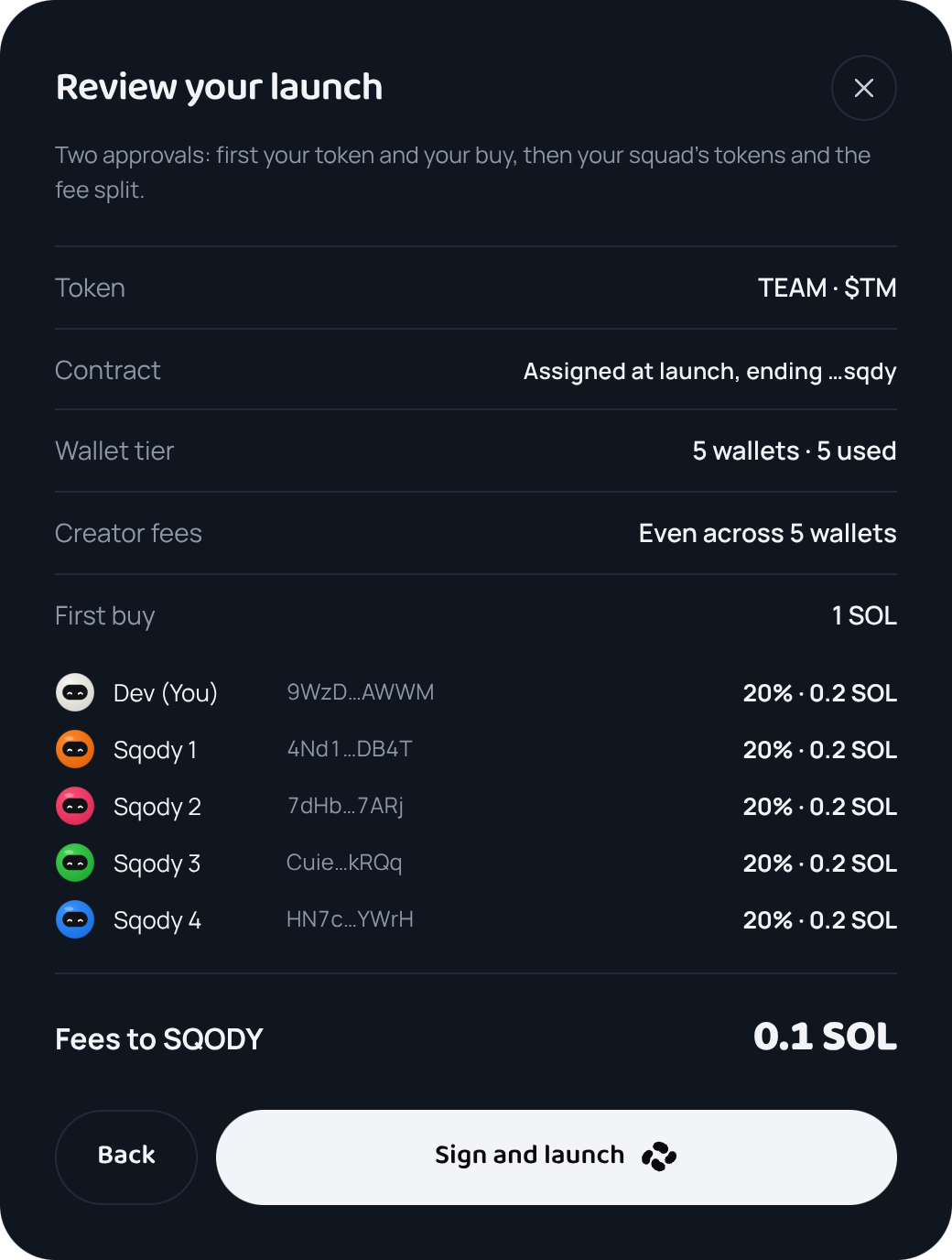
The last screen spells out what gets created and who receives what. Press Sign and launch and your wallet asks you to approve your token and your first buy. With a squad, a second approval follows a few seconds later to send them their shares and set the fee split. Those approvals are the only things that spend your SOL.
Your token is created and your buy is made in the same step, so nobody can buy in ahead of you. Your squad's shares come out of that buy, at the same price.
What it costs
| Launch | You and four squad wallets, included | 0.1 SOL |
|---|---|---|
| 10 wallets | You and 9 squad wallets | +0.05 SOL |
| 20 wallets | You and 19 squad wallets | +0.15 SOL |
| Reserve a CA | Lock the address before you launch | +0.05 SOL |
| Custom CA | Choose the last four characters | +0.1 SOL |
| Creator fees | pump.fun pays them to you, your squad or your holders | SQODY takes none |
Your first buy and Solana's network costs come on top. Network costs are about 0.02 SOL with five wallets and up to 0.05 SOL with twenty, mostly for the accounts your token and squad need.
After you launch
- Your token is live on pump.fun and can be traded straight away. The launch screen shows its contract address. Share the CA: that's what people use to buy.
- Open the token's dashboard to follow its chart, buy and sell, and claim your creator fees.
- Your launches stay under Tokens in the app, and any address you reserved waits under Reserved CAs.
Words you'll see
- CA (contract address)
- Your token's permanent ID on Solana. People paste it to find and buy your token.
- Mint
- Another name for the CA, the address that identifies the token itself.
- Bonding curve
- pump.fun's pricing: the more people buy, the higher the price climbs, automatically.
- Creator fees
- A slice of every trade that goes to whoever created the token. Yours, for the life of the token.
- Dev wallet
- Your wallet, the one that creates the token. It signs the launch and makes the first buy.
- Block
- Solana settles transactions in blocks, a few per second. Everything in one block happens together.
What SQODY never asks forYour recovery phrase or your private keys. Never, for any reason. Everything you do here is approved in your own wallet.
Ready?