Guide
How to mint
your token.
Create a Solana token with the whole supply in your own wallet, then add a liquidity pool when you're ready. One approval, no account, and we never see your keys.
- ~2 min
- Start to finish
- 1 approval
- In your own wallet
- SPL or Token-2022
- Your choice
What you need first
The same three things as a launch. If you have a Solana wallet with some SOL in it, you're ready.
A Solana wallet
Phantom or Solflare. It holds the new token and signs the mint. Keep your recovery phrase on paper and never type it anywhere else.
Some SOL
Budget the 0.08 SOL mint fee and about 0.02 SOL for Solana's network costs. A liquidity pool later needs SOL of its own.
Your token's idea
A name, a short ticker, one line about it and a square image under 2 MB.
- Step 1
Pick the token type
SPL token is the standard almost every Solana token uses, and every wallet, DEX and exchange supports it. Token-2022 is Solana's newer program: the name and image live inside the token, and it can take a fee on every transfer.
Not sure? Pick SPL token. Choose Token-2022 only if you want a transfer fee.
- Step 2
Describe your token
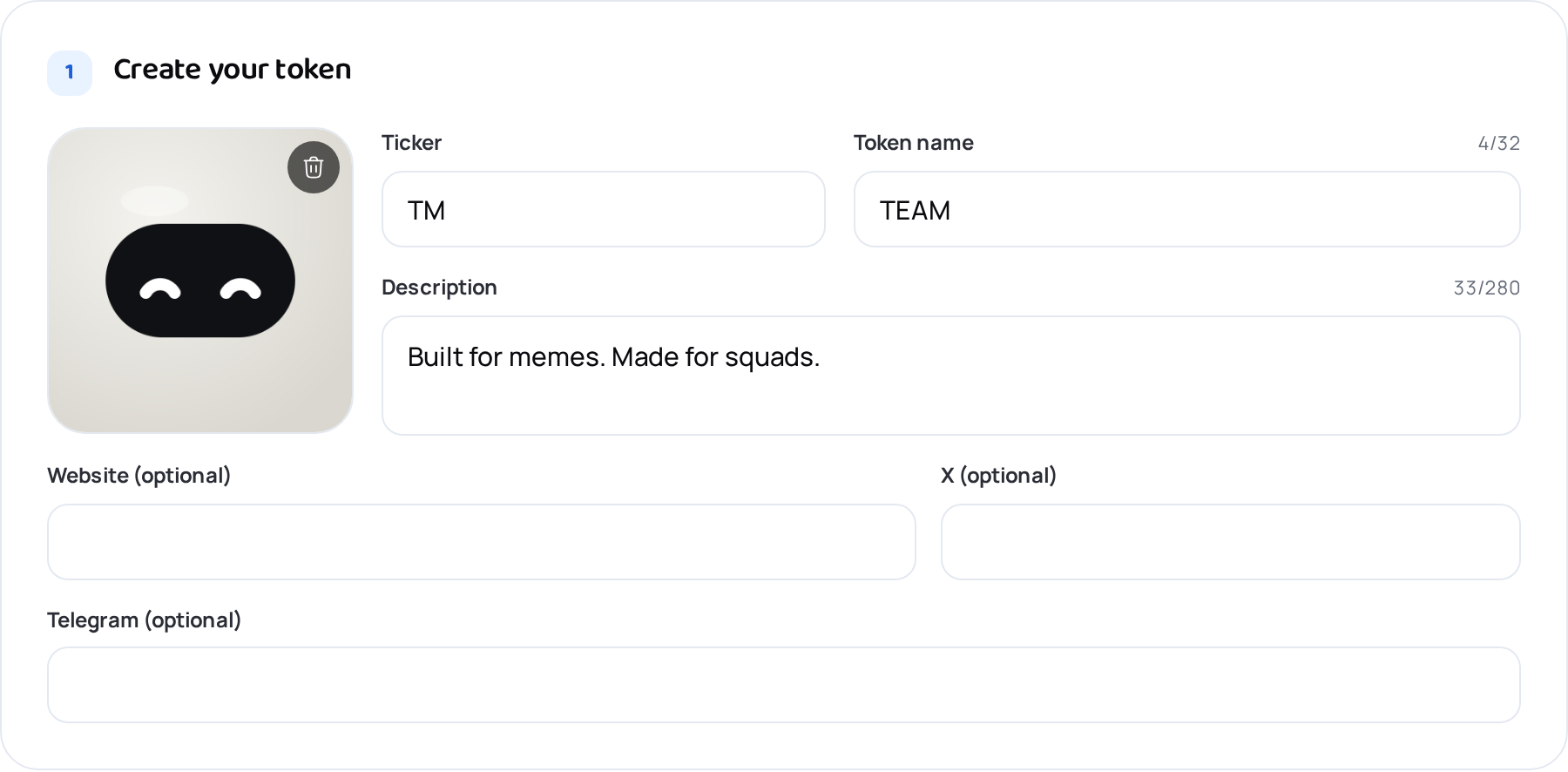
Add a square image, the ticker people trade it under, the full name and one line about it. Website, X and Telegram are optional.
These details are stored with the token. Wallets and explorers show them.
- Step 3
Choose the address
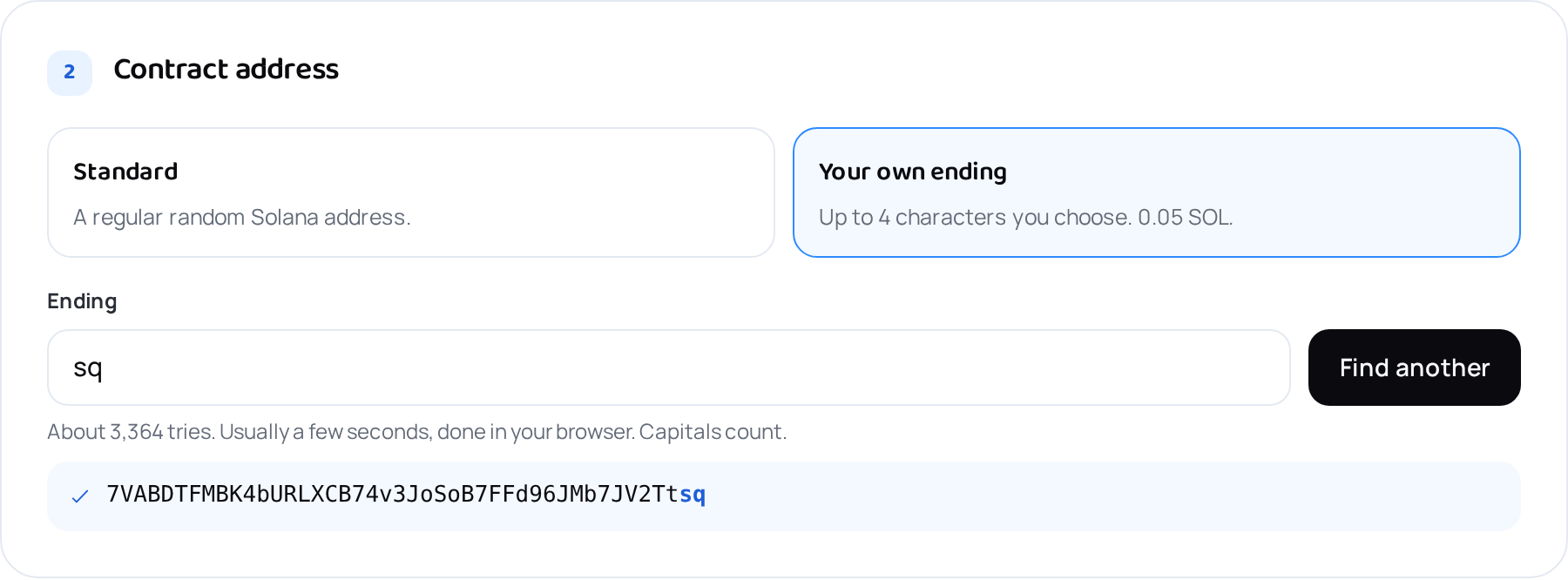
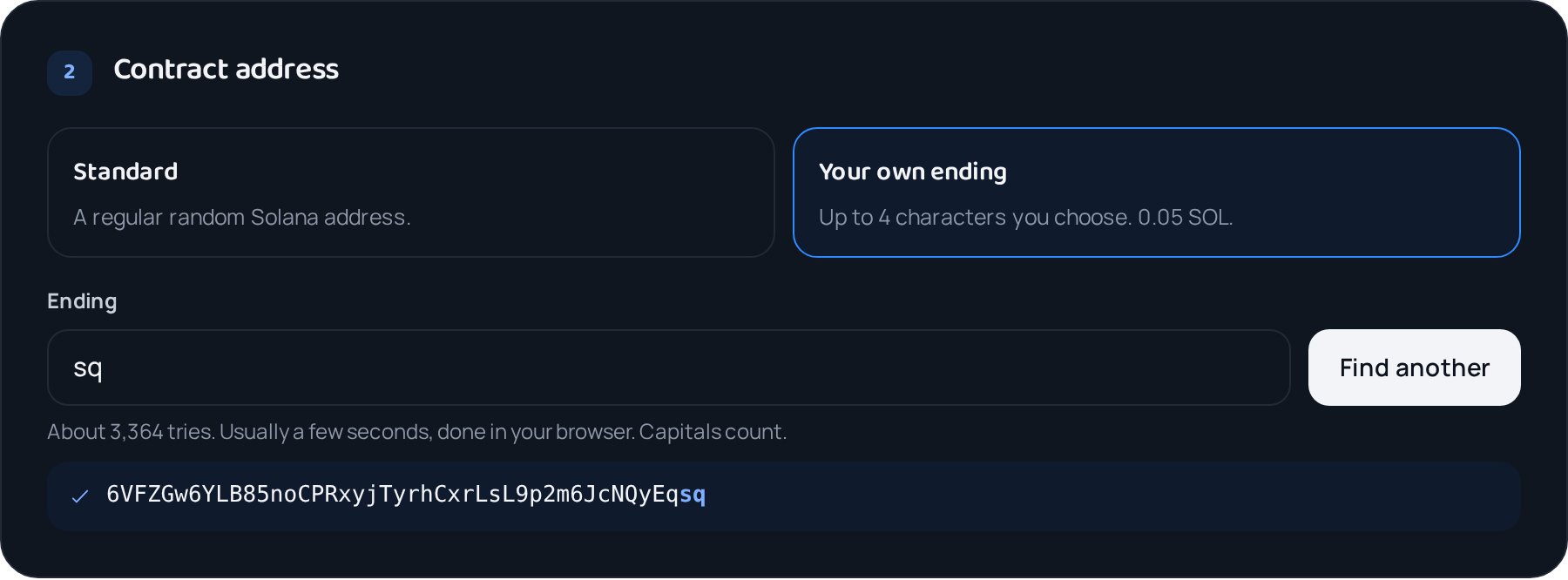
Every token has a permanent address on Solana. Keep the standard random one, or have it end in up to 4 characters you choose. Your browser searches for a match, usually in seconds.
Your own ending costs 0.05 SOL. Capitals count, and addresses never use 0, O, I or l.
- Step 4
Set the supply
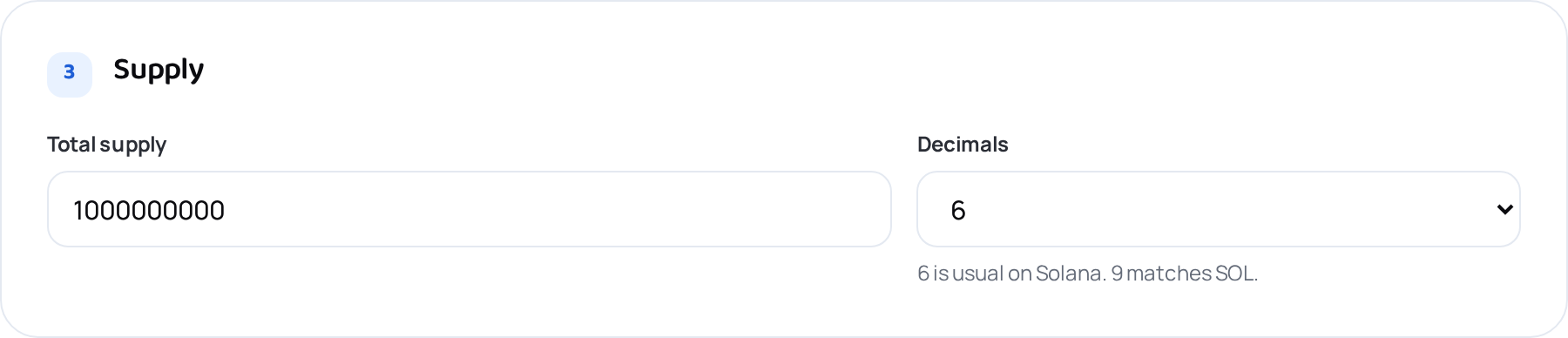
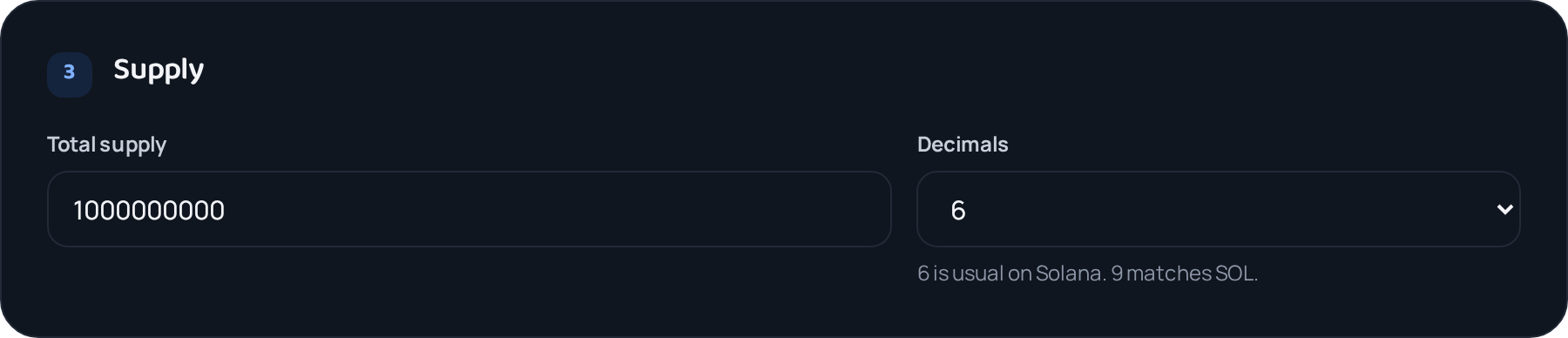
The supply is how many tokens exist. All of them go to your wallet. Decimals set how finely a token can be split, from 0 to 9. Most tokens use 6.
Want to mint more later? Leave Fixed supply off in the next step, and Manage lets you mint more.
- Step 5
Decide what stays open
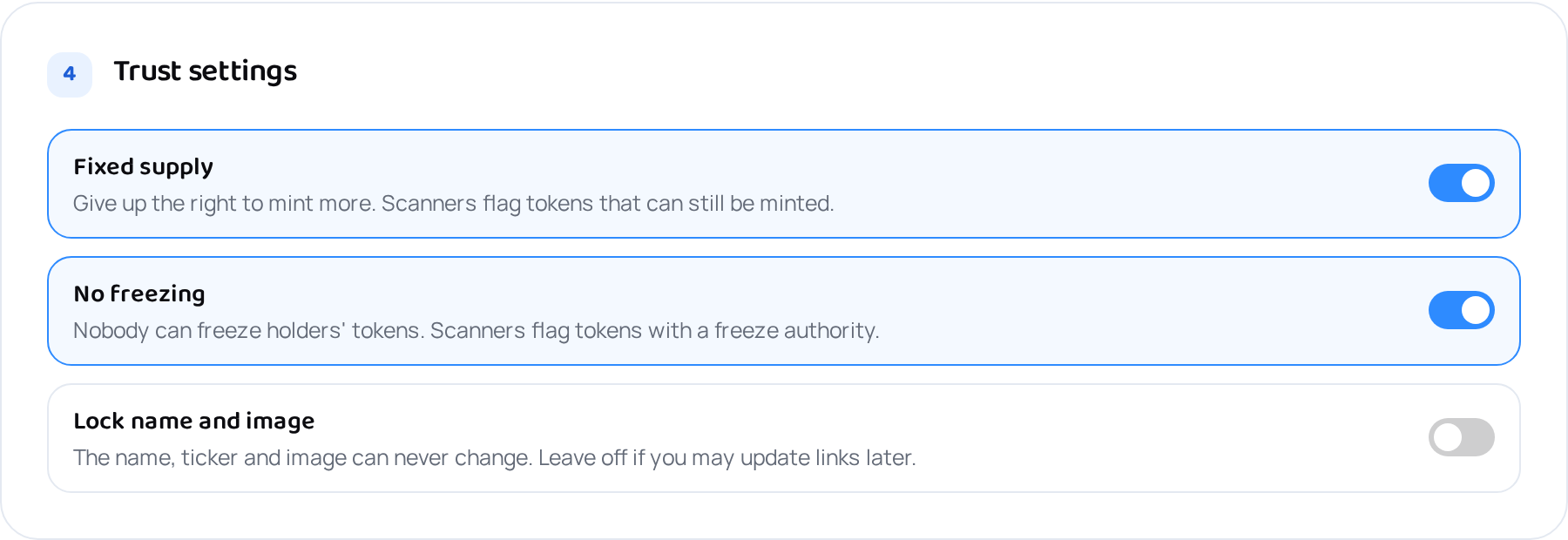
Fixed supply means nobody can ever mint more. No freezing means nobody can freeze holders' tokens. Buyers and token scanners check both, so they are on by default.
Leave Lock name and image off if you may change links later. You can lock it any time from Manage.
- Step 6
Add a transfer fee (Token-2022)
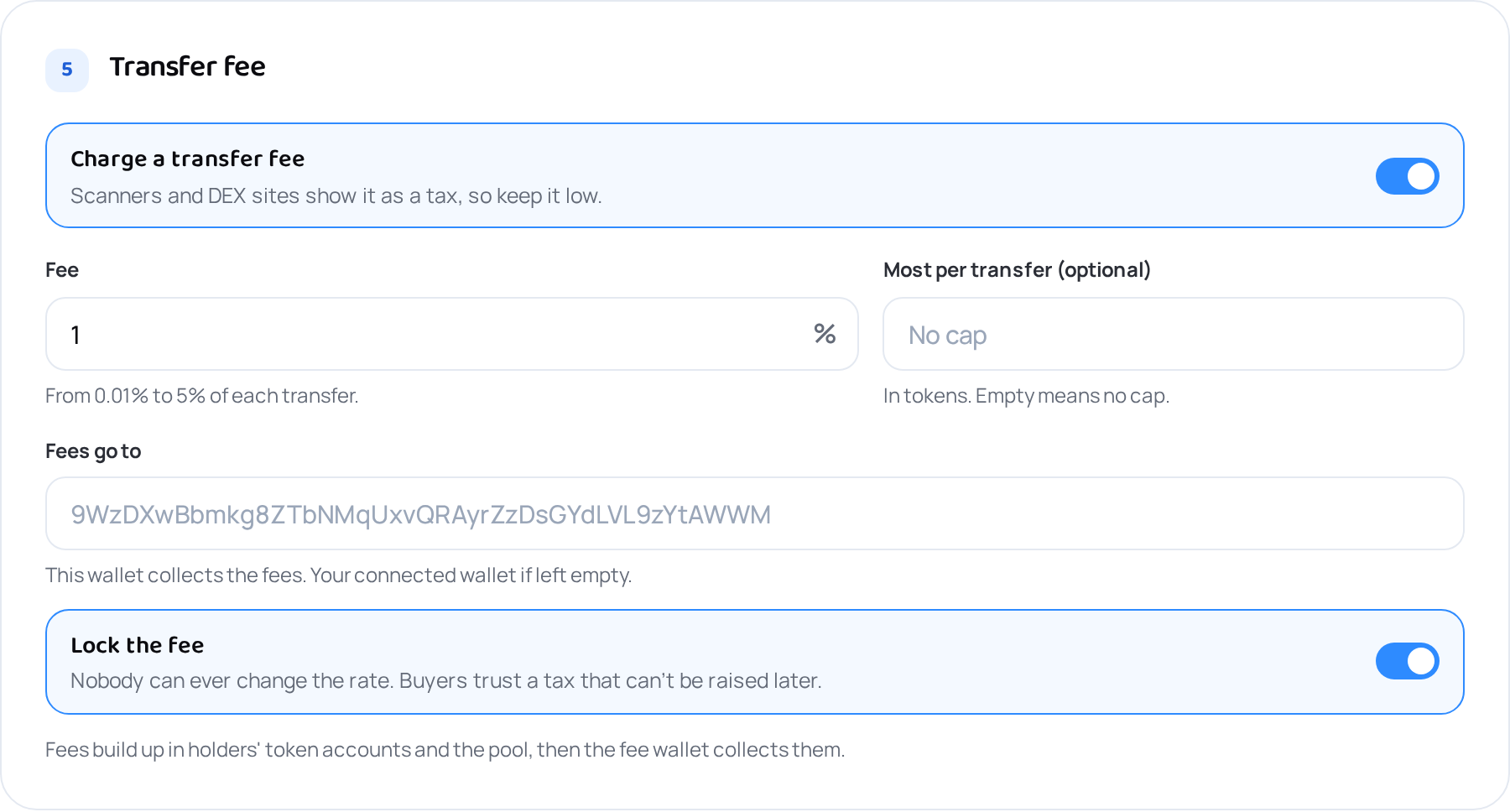
A Token-2022 token can hold back a share of every transfer, buys and sells included, for a wallet you choose. Set the rate up to 5%, an optional cap per transfer, and whether the fee can ever change.
DEX sites and scanners show the fee as a tax, so keep it low. Minting with a transfer fee costs 0.3 SOL.
- Step 7
Check and approve
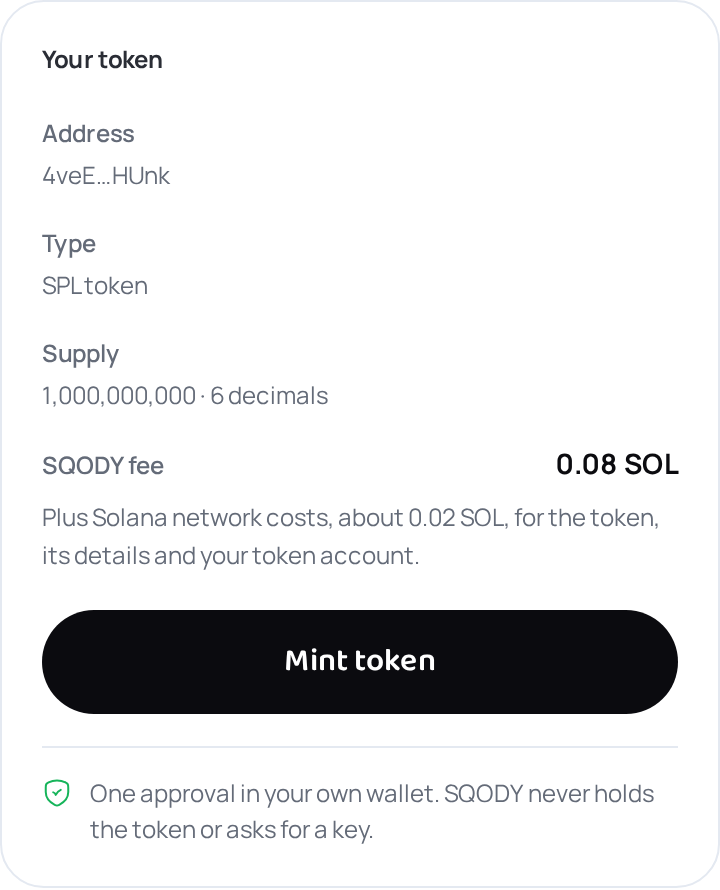
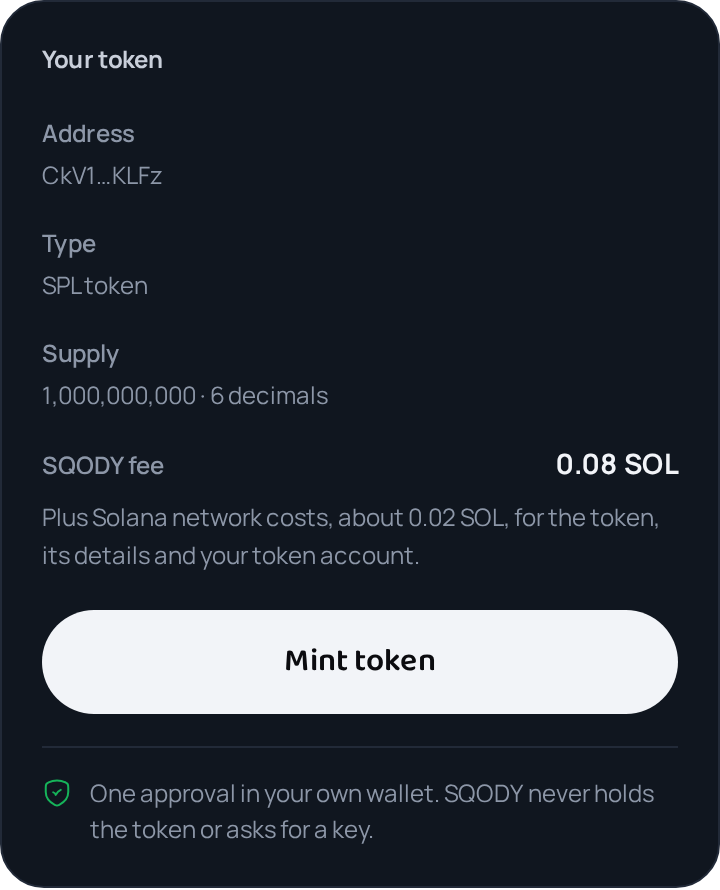
The panel on the right sums up the token and what it costs. Press Mint token and approve once in your wallet. The token is created and the whole supply lands in your wallet in the same transaction.
Nothing is charged until you approve in your wallet.
- Step 8
Manage it later
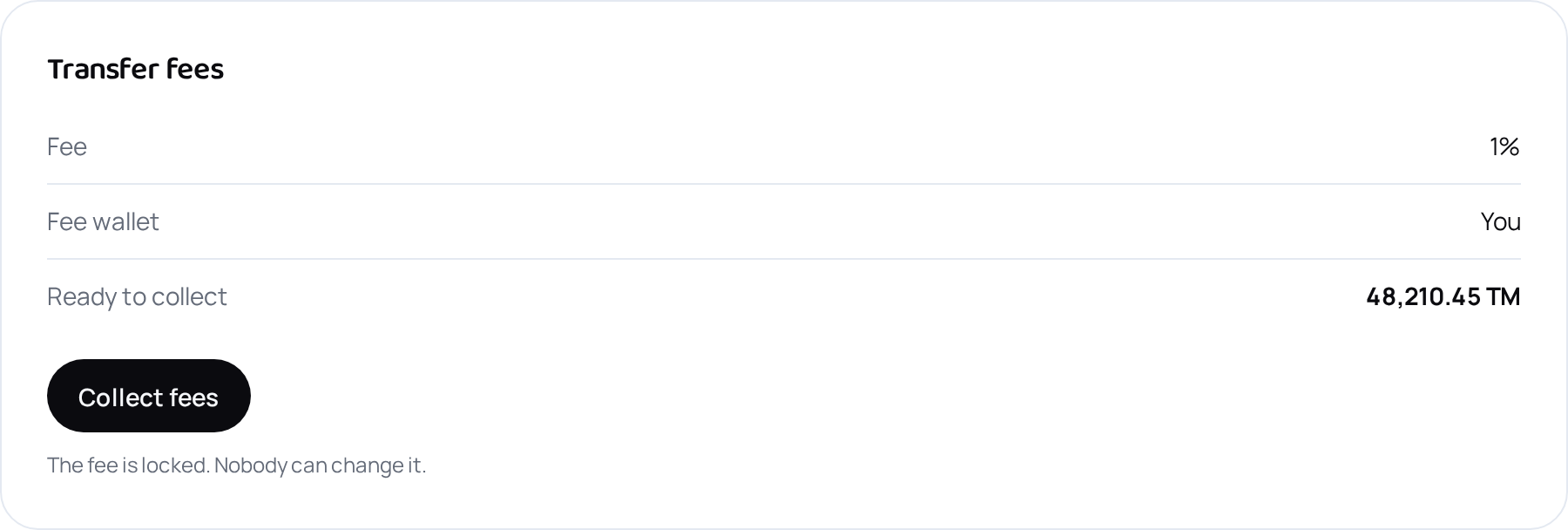
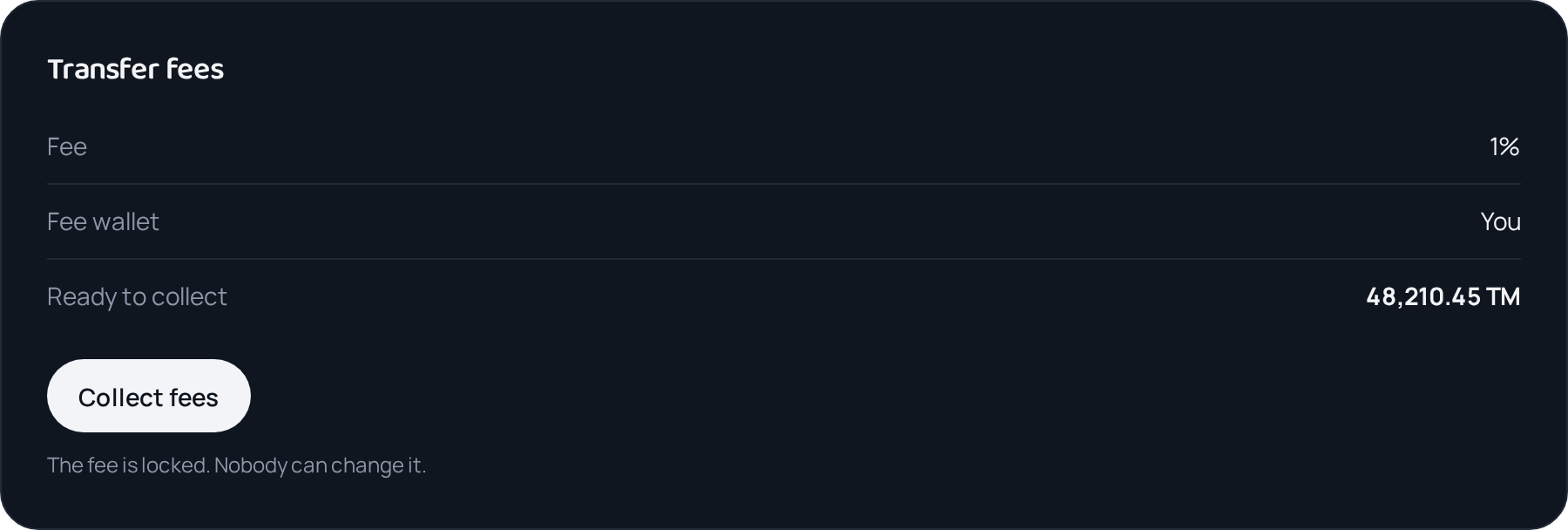
Manage lists the tokens you can still change. Collect transfer fees, mint more, change the details or the fee, or lock and revoke what you left open.
Changes on Manage are free. Only Solana's network costs apply.
What it costs
| SPL token | Name, image and the whole supply in your wallet | 0.08 SOL |
|---|---|---|
| Token-2022 | Details stored in the token itself | 0.08 SOL |
| With transfer fee | Token-2022 with a fee on every transfer | 0.3 SOL |
| Your own ending | The address ends in characters you choose | +0.05 SOL |
| Manage | Collect fees, change or lock what you left open | Free |
Solana's network costs come on top: about 0.01 to 0.02 SOL for the token, its details and your token account.
After you mint
- The whole supply is in your wallet. Share the token address: it's how people find the token.
- Add a liquidity pool on Meteora or Raydium so people can trade it. The amounts of token and SOL you put in set the opening price.
- Open Manage to collect transfer fees, change details you left open, or lock them for good.
Words you'll see
- SPL token
- Solana's standard token program. Name and image are stored through Metaplex.
- Token-2022
- Solana's newer token program, also called Token Extensions. Supports transfer fees and stores details in the token itself.
- Mint authority
- The wallet allowed to create more tokens. Revoked means the supply is fixed for good.
- Freeze authority
- The wallet allowed to freeze holders' tokens. Revoked means nobody can.
- Transfer fee
- A share of every transfer held back for the fee wallet, which collects it from Manage.
- Liquidity pool
- Your token paired with SOL on a DEX, so anyone can buy and sell it.
What SQODY never asks forYour recovery phrase or your private keys. Never, for any reason. Everything you do here is approved in your own wallet.
Ready?